
Recurring bills and subscriptions
How Xfin finds them, what confirming one does, and why a bill you add by hand behaves differently from one it found.
A recurring bill is the part of your balance that is already spent. You just have not paid it yet. Most apps put your bills in a list and leave the arithmetic to you. Xfin takes them out of the number you spend against, which is the only thing that makes the number worth reading.
On this page
How Xfin detects a recurring bill
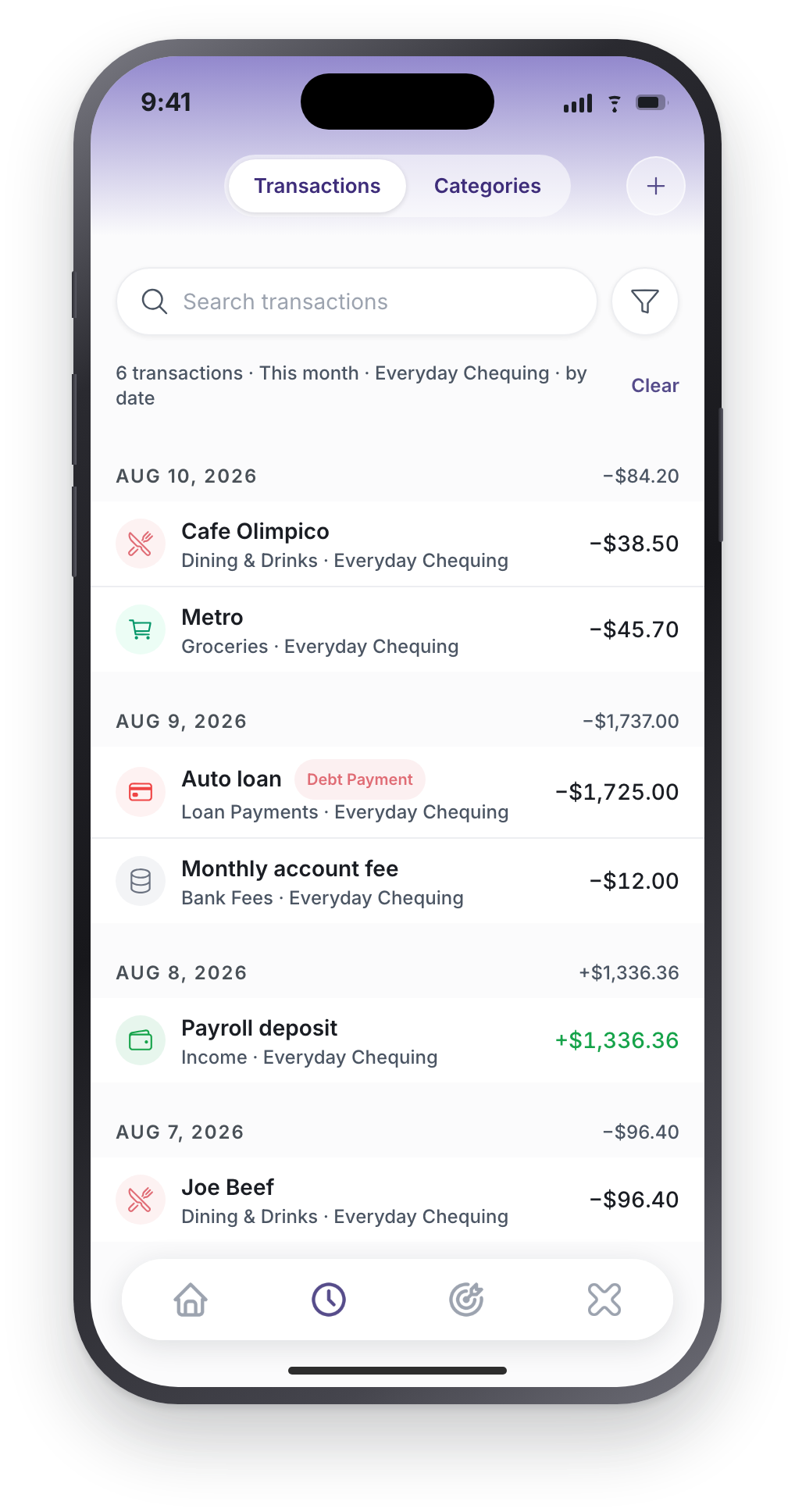
It looks for the same merchant charging you on a rhythm, then grades how much to trust the pattern: how many times it has happened, how regular the gap is, and how much the amount moves between charges. In practice it takes about three charges spanning three weeks before a bill is confident enough to suggest. Two charges make a pattern; they do not make a reliable one.
Nothing is created behind your back. A detected bill is a suggestion until you confirm it, and the app shows you what it thinks the amount and the next date are before you agree.
It works without a bank connection
Detection reads your transactions, not your bank, so rows you logged yourself and rows imported from a statement count exactly like synced ones. The honest caveat is that it needs something to read: it matches on the merchant, so a couple of logged transactions carrying a real merchant name are what it wants. “Coffee $6” with no merchant gives it nothing to match on. A connected account simply gets there sooner, because the history arrives all at once. There is a whole page on running Xfin without one.
What confirming a bill actually does
Confirming turns a suggestion into a scheduled bill. From that point it is part of the forecast: it lands on a date, it is named under the reserve figure on the home screen, and it comes out of what you have to spend before its due date arrives. This is the point of the whole exercise. Your rent stops being a surprise on the first.
When a bill actually leaves your reserve
This is the part people get wrong, so it is worth being exact. There are two kinds of bill and they behave differently:
- A detected bill you confirmed comes out ahead of its due date. It is a real, expected charge on a known rhythm, so the reserve treats it as spent from the moment it is inside the window you are looking at.
- A bill you added by hand is a reminder. It does not reduce your reserve while it is upcoming. It reduces it when you confirm you paid it, at which point a real transaction is written and your balance moves.
The exception is a credit card minimum, which does come out of the reserve while it is still upcoming. A minimum payment is not optional in the way a hand-typed reminder is.
One more thing worth knowing before you wonder why nothing moved: a bill with no account attached writes nothing when you confirm it. The app says so rather than pretending. “No paying account is set on this reminder, so no transaction was logged.” Attach an account in Manage bills and it starts counting.
Adding a bill yourself
You do not have to wait for detection. Tell Fin in plain words, “rent is $1,800 on the first”, and it drafts the bill for you to confirm. Or add it from Manage bills with a form. Either way you are setting the same four things: what it is called, how much, how often, and which account pays it.
Importing a statement can do it in bulk. Xfin reads the recurring flows out of the statement (income, bills and card payments), and hands you a checklist to tick rather than making you type each one.
Subscriptions
A subscription is a recurring bill that you can cancel, and Xfin sorts it that way on purpose. Rent and insurance are committed. You cannot trim them week to week. Subscriptions sit in flexible, alongside groceries and dining, because the lever exists even when you do not pull it.
That sorting is what lets the app tell you something useful instead of just totting up a number. When a goal is going to be missed, the category it names as the lever is a flexible one. There is no point telling anybody to ease back on their mortgage. How that works instead of budgets.
Changing, pausing and deleting
Everything is editable from Manage bills: the amount, the date, the frequency, the paying account. Change the amount and the forecast changes with it. There is no separate place to keep in sync.
Ask Fin to delete a bill and it will confirm twice before anything goes, because deleting a recurring item quietly rewrites your whole forecast. Every other write asks once.